You’ve got a quote from a designer and a separate quote from a developer, and neither mentions the other. Or you’ve got a finished Figma file from your brand agency and nobody to build it.
Website development vs web design comes down to who you hire and what falls between them. Below is the difference, what each costs in Australia, what a developer needs from a designer, and where projects break when the two are bought separately.
What’s the difference between website development and web design? Web design is planning how a website looks and how people use it: the layout, the visual style, the page structure and the path to an enquiry. The output is a design, usually a file in Figma. Website development is building it: turning that design into a working site with a content management system, forms, integrations, hosting, speed and security, so design decides what the site should be and development makes it real.
In this guide
- What design decides, what development decides, and what each costs
- Already have a design? What a developer needs from it
- Where it breaks when design and development are bought separately
- How to decide who to hire
- Webflow and page builders blur the line
What design decides, what development decides, and what each costs
Our guide to what website development is covers the textbook split. This is website development vs web design for someone about to sign a quote.
Design decides whether people stay
A designer works out what goes on each page, in what order, and how it looks, so a visitor understands what you do and what to do next. That job is measured in seconds. Nielsen Norman Group’s 2011 analysis of Microsoft Research data found people often leave a page within 10 to 20 seconds, and that a site has about 10 seconds to communicate its value. A 2012 study by Tuch and colleagues, in the International Journal of Human-Computer Studies, found visitors form a judgement about a site’s look within 50 milliseconds, and rate simple sites laid out the way they expect as highly appealing.
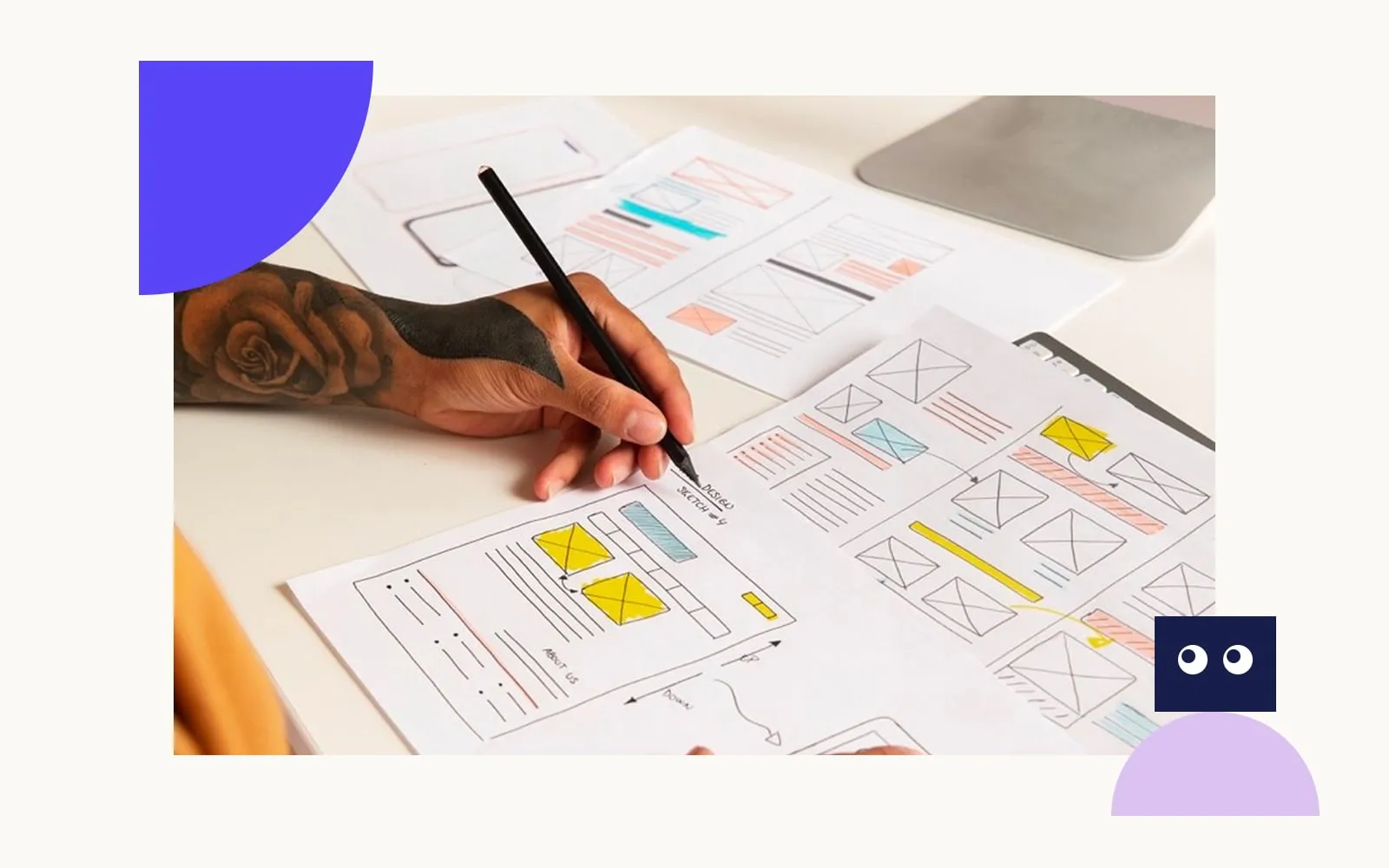
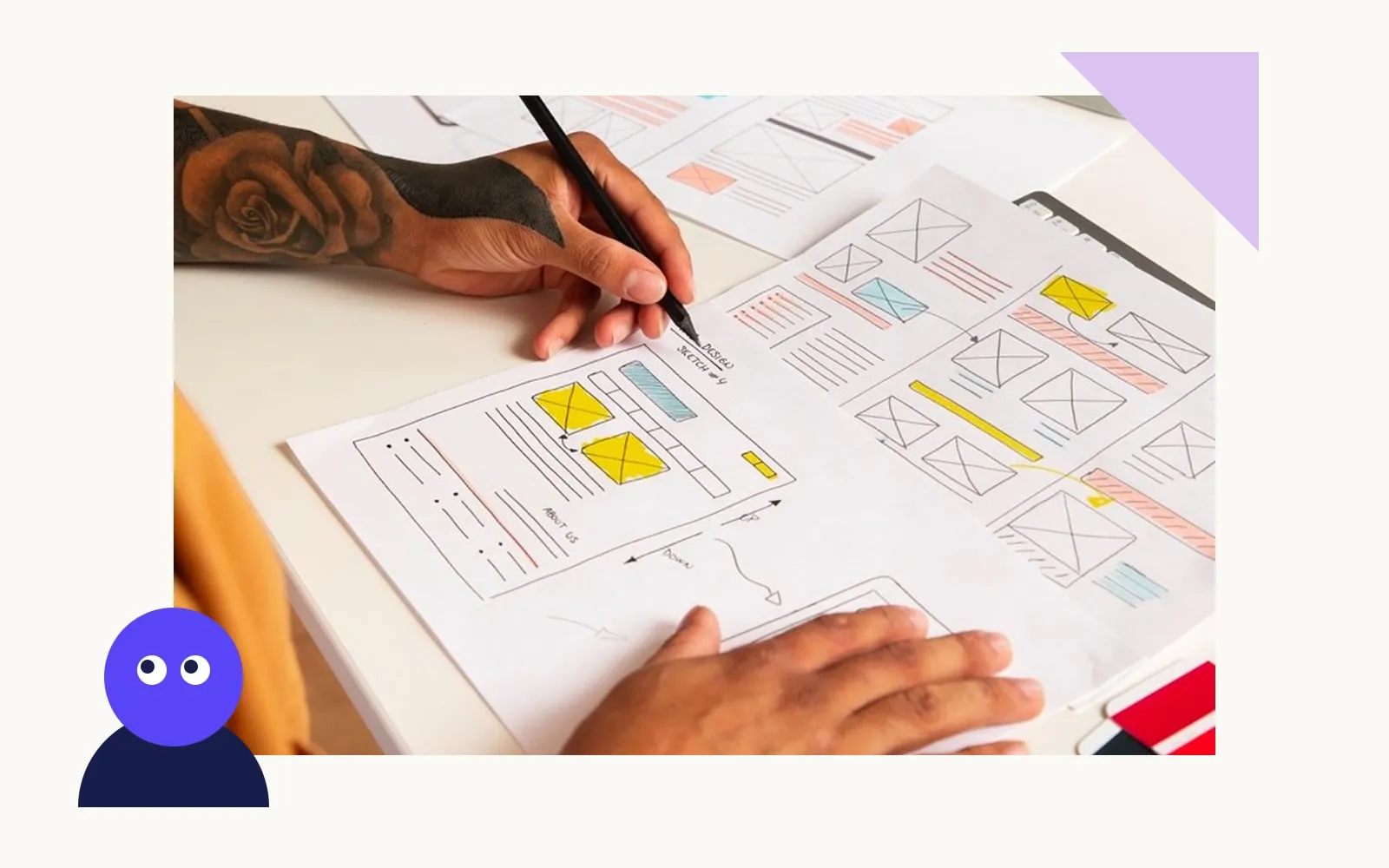
What you get from a designer is a design. Usually that’s a set of pages in Figma, a style guide and, if you’re lucky, the mobile versions. Someone still has to build it.
Development decides whether it works
A developer builds the site from that design. They choose and set up the platform (Webflow, WordPress, Shopify or custom code), connect the forms to your inbox or CRM, set up analytics, make the pages fast and secure, and configure the content management system so your team can edit it.
Most of what Google measures sits here. Google’s Core Web Vitals ask for the main content to appear within 2.5 seconds and the page to respond to a tap within 200 milliseconds. Google also ranks the mobile version of a site, using the smartphone crawler, so a site that only works properly on desktop is ranked on its weaker half.
What each costs in Australia
Nobody publishes a clean “design only” or “development only” price, and most of the agency quotes we see bundle the two. Published ranges give a sense of scale, and it depends heavily on the number of pages, the platform and who supplies the content. WP Creative, a Sydney agency, puts a small business website at about $3,000 to $10,000 and e-commerce at $10,000 to $50,000 or more in its 2026 pricing guide. Butterfly, in Melbourne, puts a simple custom brochure site at $5,000 to $25,000.
If you’re hiring people rather than an agency, Indeed’s Australian data puts the average web designer salary at $81,464 a year and the average web developer at $88,798. Those are employee salaries rather than project prices, and the gap is small. In the US the order flips: the Bureau of Labor Statistics reports web and digital interface designers out-earning web developers in May 2025. So budget on the days of work your project needs, whichever role does them.
Already have a design? What a developer needs from it
This is the case the definitions skip, and it’s one of the most common ways a project reaches us at Webhaus. The client already has a design, from an in-house designer, a brand agency or a freelancer, and needs it built.
That’s a shorter project than a full website. The client sends the design file, we build it on the agreed platform, the client reviews it on a staging link, approves it, and it goes live with a CMS their team can edit. Strategy, copy and design are already done, so what makes or breaks it is the file.
Figma’s Dev Mode shows the developer the specs, at a price
Most designs we receive are in Figma, which has a developer workspace called Dev Mode. It shows the developer the layout, spacing, colours and components, generates code snippets and exports icons as assets. Designers mark frames “Ready for dev” when they’re finished.
Two practical catches follow. Dev Mode isn’t on Figma’s free plan, so the developer needs a Dev seat on the plan that owns the file, or their own paid seat (US$12 a month for a Professional Dev seat). And “Ready for dev” only means the designer thinks it’s ready.
A design file is ready to build when it has these
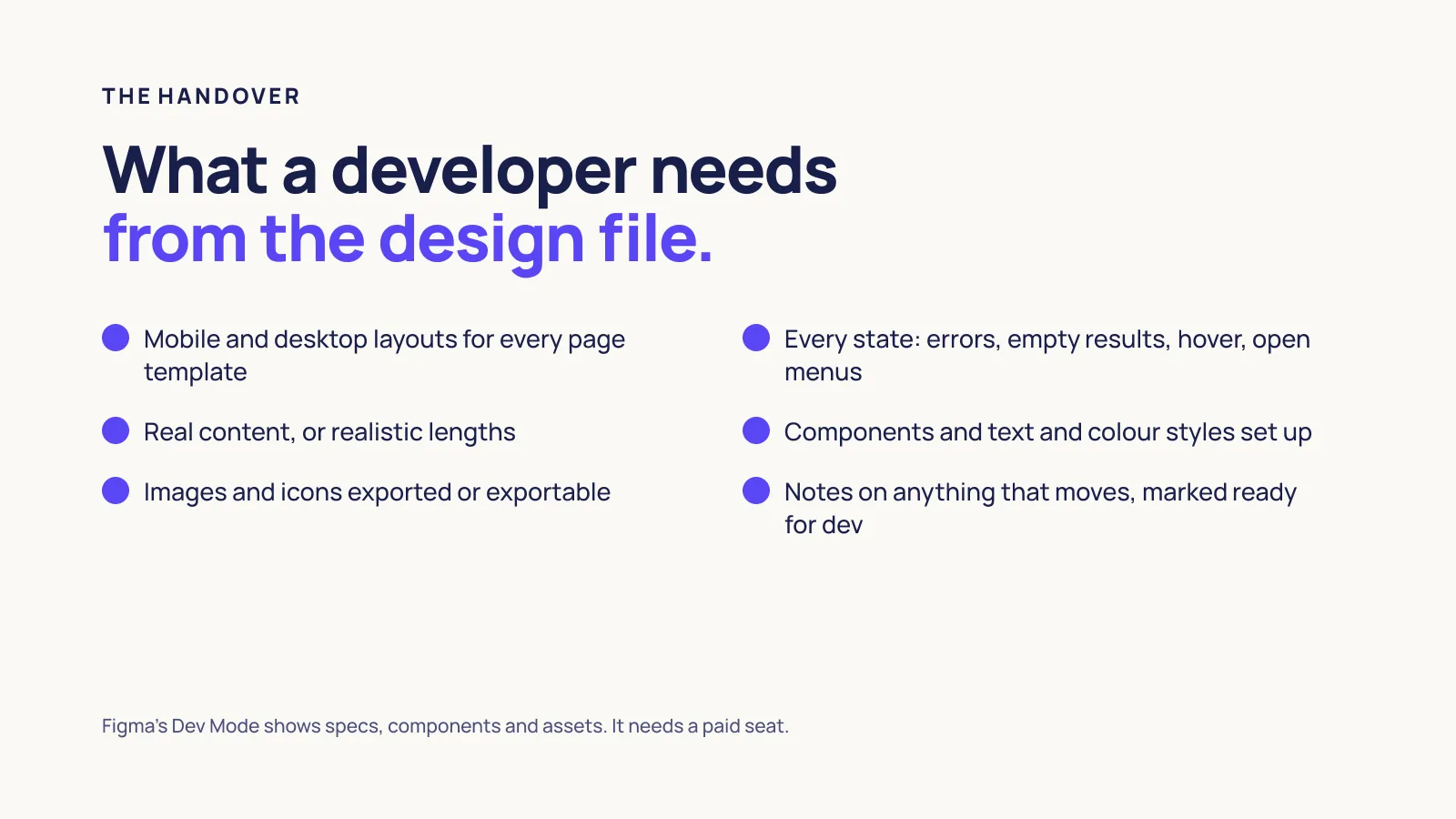
- mobile and desktop layouts for every page template, not just the home page
- the states a static mockup hides: a form with an error, an empty search result, a button on hover, a menu open on a phone
- real content, or at least realistic lengths, so a 90-character heading doesn’t break a layout drawn for 30
- components and colour and text styles set up in Figma rather than drawn by hand on each page
- notes on anything that moves, and the images and icons exported or exportable
When a file arrives without these, the developer either guesses or stops to ask. Both cost time, and the first one costs it after launch.
Where it breaks when design and development are bought separately
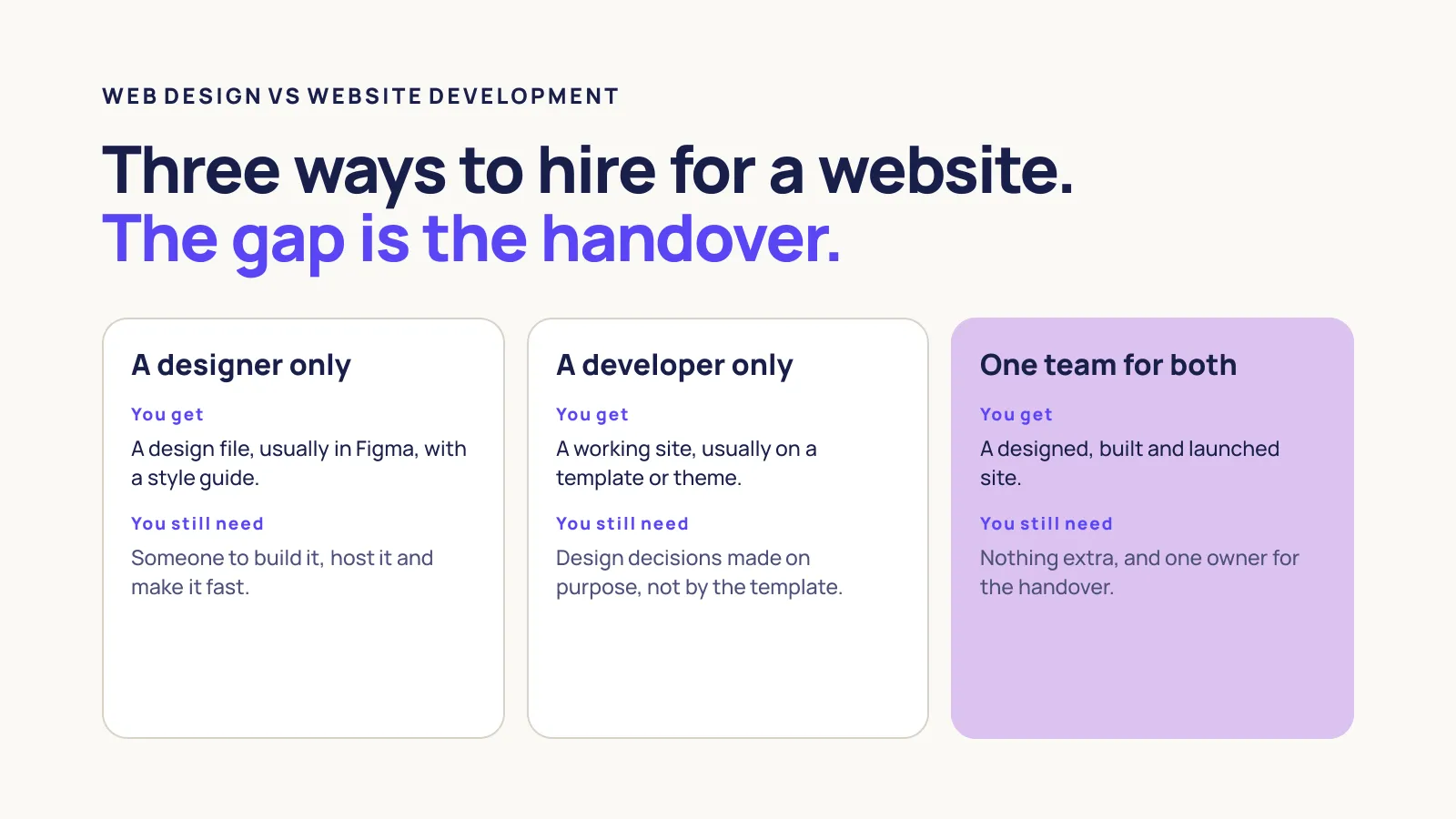
Hiring a designer and a developer separately can work. Our position is that for most small businesses it’s the riskier way to buy a website, and the risk sits in the handover, which neither quote usually covers.
Desktop-only designs. The most common gap we see. The designer delivers polished desktop pages, the developer improvises the mobile version, and the half of the site Google actually ranks is the half nobody designed.
Designs that can’t be built for the budget. A designer working without a developer can draw an animation, a filtering system or a layout that adds days to the build. The developer finds out after the design has been signed off, and the client finds out when the quote changes. A developer should see the design before it’s approved, not after.
Accessibility falls between the two. The W3C’s WCAG 2.2 guidelines, published in October 2023 and updated in December 2024, set three levels of conformance: A, AA and AAA. Some of it is design (colour contrast, text size, focus states) and some of it is development (headings, labels, keyboard use). If each side assumes the other has it, nobody does.
Templates make design decisions by default. Hiring a developer without a designer usually means a theme or template. That’s a reasonable choice for a small budget, as long as you know the layout, hierarchy and first impression were decided by whoever made the template, not by anyone who knows your customers.
Nobody owns the result. At the end of a split project, who holds the Figma file, the code, the CMS login and the hosting account? If the designer’s Figma file sits in their account and the developer’s code sits in theirs, the business owns neither. Ask for both to be transferred, in writing, before anyone starts.
How to decide who to hire
Work through these in order and stop at the first one that fits.
- You have a finished design, mobile versions included. Hire a developer, or a development-only service from an agency. Ask to see a site they built from someone else’s design.
- You have a brand but no website design. Hire one team that does both, so the person drawing the pages talks to the person building them from the first week.
- You have neither, and a small budget. A good template on a platform like Shopify, Squarespace or Webflow, set up by a developer, is better than a custom design you can’t afford to build properly.
- Your site needs logins, bookings, a store or integrations. Bring the developer in before design starts. Those features shape the design, not the other way around.
- You’re hiring two suppliers anyway. Put the handover in both contracts: what the design file must include, who checks it before sign-off, and that the Figma file, code and accounts come to you.
If you’d rather not manage the gap at all, our website design and development team does both, and we also build from designs other people have made.
Webflow and page builders blur the line
Webflow’s homepage promises “Design & develop, side by side”, building visually “without writing code”. That’s real: a skilled Webflow designer can produce a finished, published site with no separate developer. The development work still exists and moves to the designer.
Someone still has to structure the CMS so your team can add pages without breaking them, connect the forms and tracking, set up redirects and SEO settings, and keep the site fast. On a builder that’s often the designer, so ask whether they’ve done that part before.
FAQs
Can one person do both web design and development?
Yes, and plenty of freelancers do, especially on Webflow or WordPress. The trade-off is depth: most people are stronger at one than the other. Look at the sites they’ve built, on a phone, and test the forms before deciding.
Who gets paid more, a web designer or a web developer?
In Australia, developers average slightly more: $88,798 a year against $81,464 for designers on Indeed’s October 2026 data. In the US, the Bureau of Labor Statistics reports the opposite for May 2025. For a business, the salary gap matters less than how many days of each your project needs.
Do I need to pay for Figma so my developer can use the design?
Possibly. Figma’s Dev Mode, which developers use to inspect a design, isn’t on the free plan. The developer needs a Dev seat on the plan that owns the file, or their own paid seat. Sort it out before the build starts so it doesn’t hold anything up.
Next steps
Ready to talk? If you have a design to build or a site to plan, get in touch and we’ll tell you which of the two you need first.
Comparing options? See how our website design and development work runs from first call to launch.
Still learning? Read what website development is, including the platforms, the process and what a build includes.
Whichever way you settle website development vs web design, ask each supplier who is responsible for the handover before you sign. If neither says “us”, it’s you.